Shaper Trace
Scan-to-cut workflow for handheld CNC
Shaper Trace is a progressive web app that converts hand-drawn sketches into perspective-corrected, accurately scaled SVG files ready for cutting or engraving — no scanning, no cleanup, no post-processing.
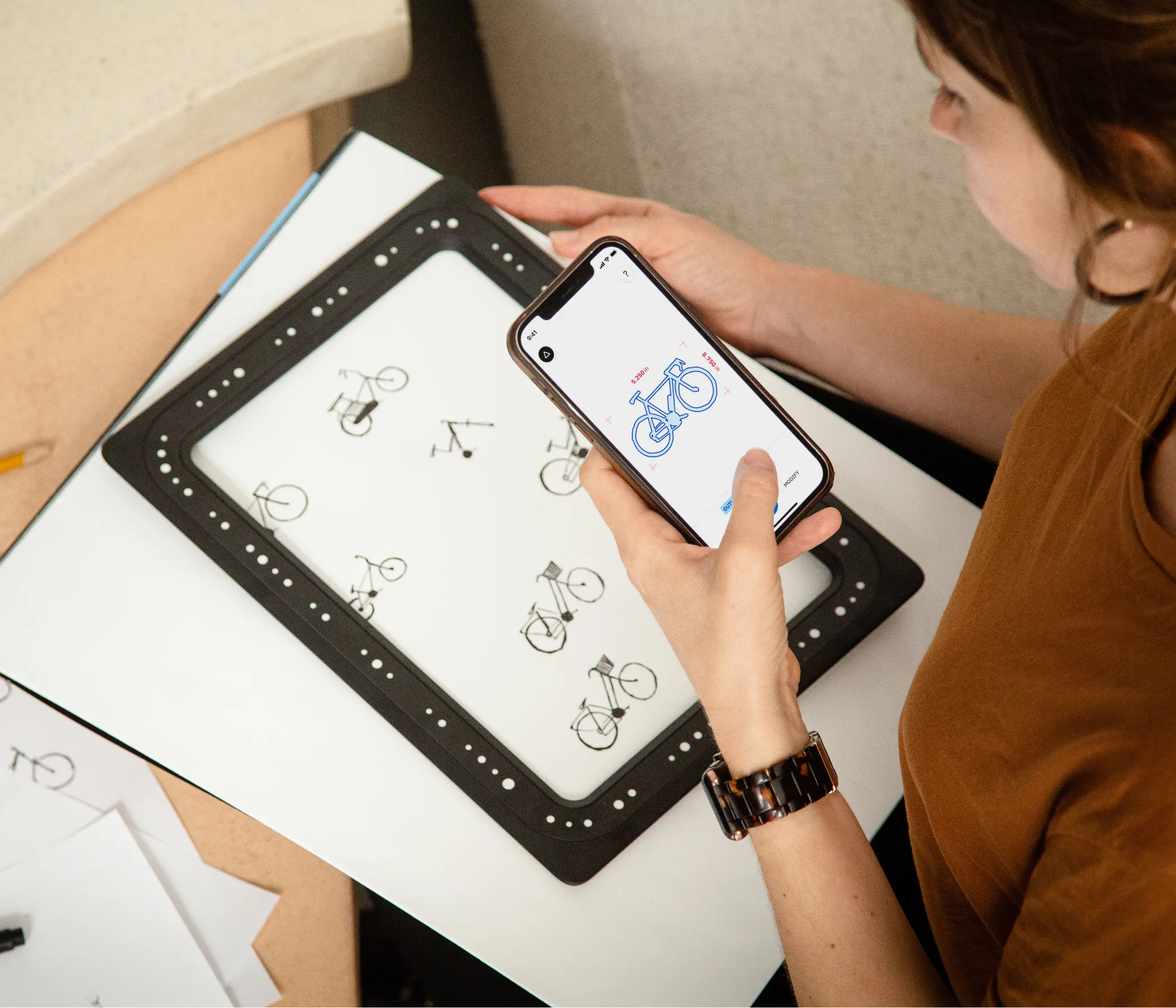
The user places a physical frame with fiducial markers over their drawing, opens the app in a mobile browser, and presses capture. The fiducials give us everything we need in a single shot: camera pose, drawing scale, and lens distortion parameters. From there the pipeline handles perspective correction, adaptive thresholding, and shadow removal automatically.
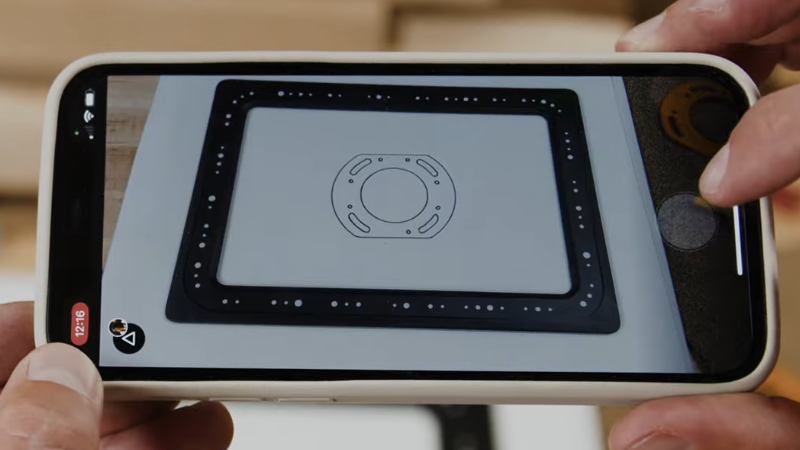
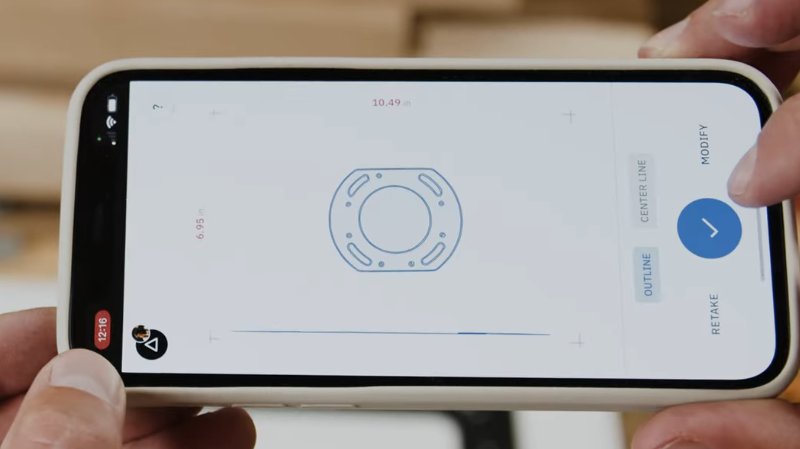
The core computer vision library was a proprietary C++ codebase that had previously resisted porting to other platforms. I got it running in a mobile browser by taking a systematic approach: isolating key dependencies — Ceres Solver, OpenCV, and several non-header-only Boost libraries — and building each for WebAssembly individually before linking them into a single compact binary. This meant custom Emscripten builds, stubbing out ARM-specific code, removing Qt dependencies, and reconfiguring pipelines for single-threaded execution.
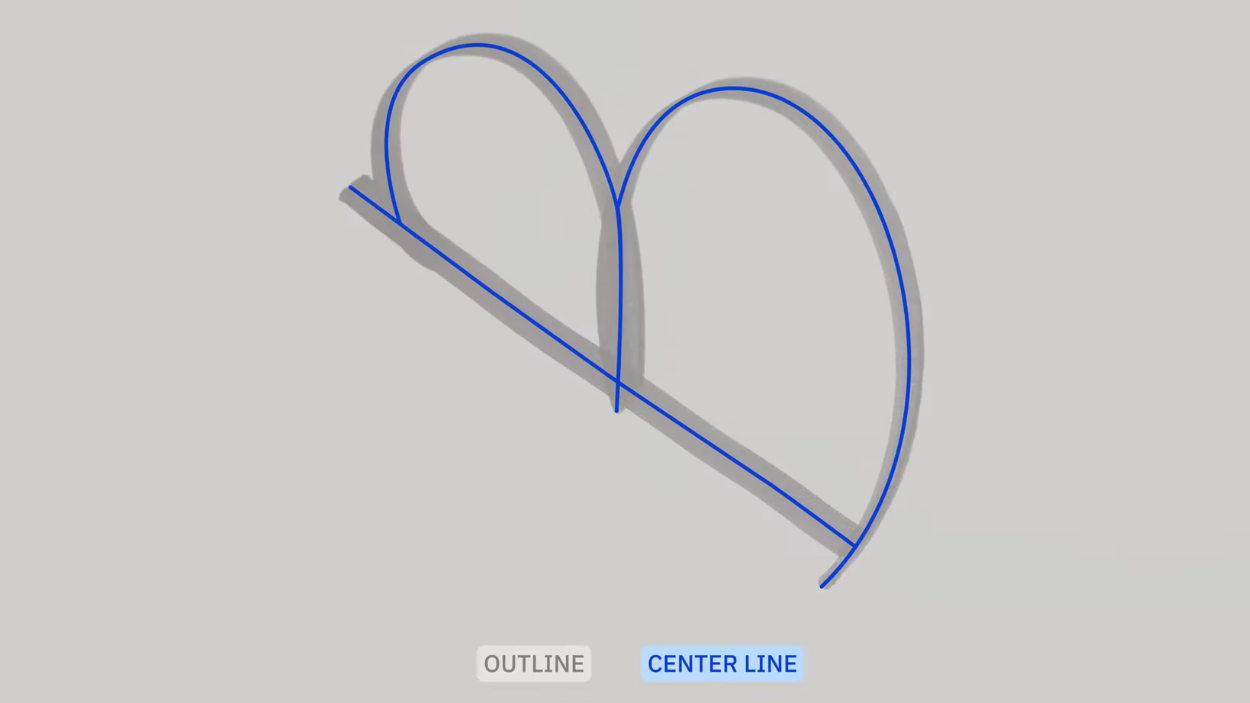
For vectorization, Trace offers both outline and single-line modes. Outline mode uses a Potrace-style approach, but the more interesting problem was centerline extraction. I adapted a medial axis transform to collapse outlines to single strokes, then wrote custom code to handle intersections — walking the MAT graph, backtracing from each intersection node, computing tangent vectors for incoming paths, and fitting Hermite curves between matching path ends to produce intersections that look hand-drawn rather than mechanical.
Because Trace captures from the browser video API rather than still photos, resolution is capped at 1080p. For finely detailed drawings or larger formats, I integrated ONNX-based 4x AI upscaling running entirely on-device. Mobile browsers, especially Safari, aggressively kill tabs that exceed memory tight memory limits, so I proactively managed this by tiling images and running inference in small batches.