Shaper Studio
The Simplified Design Tool for Craftspeople
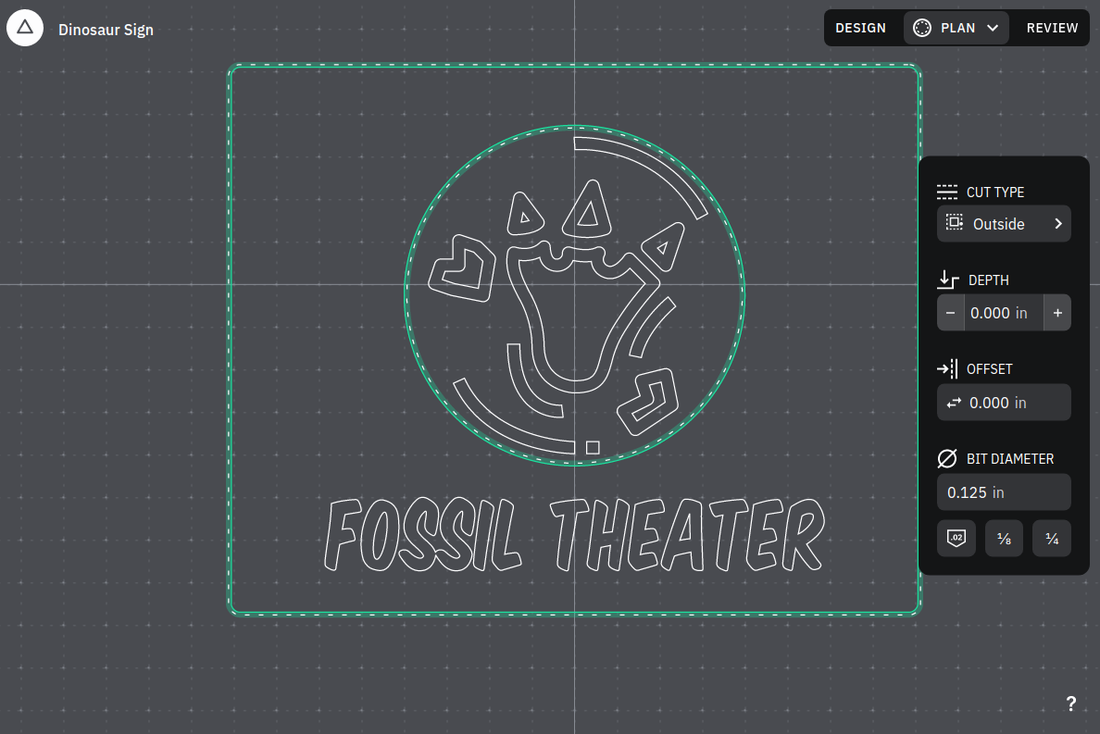
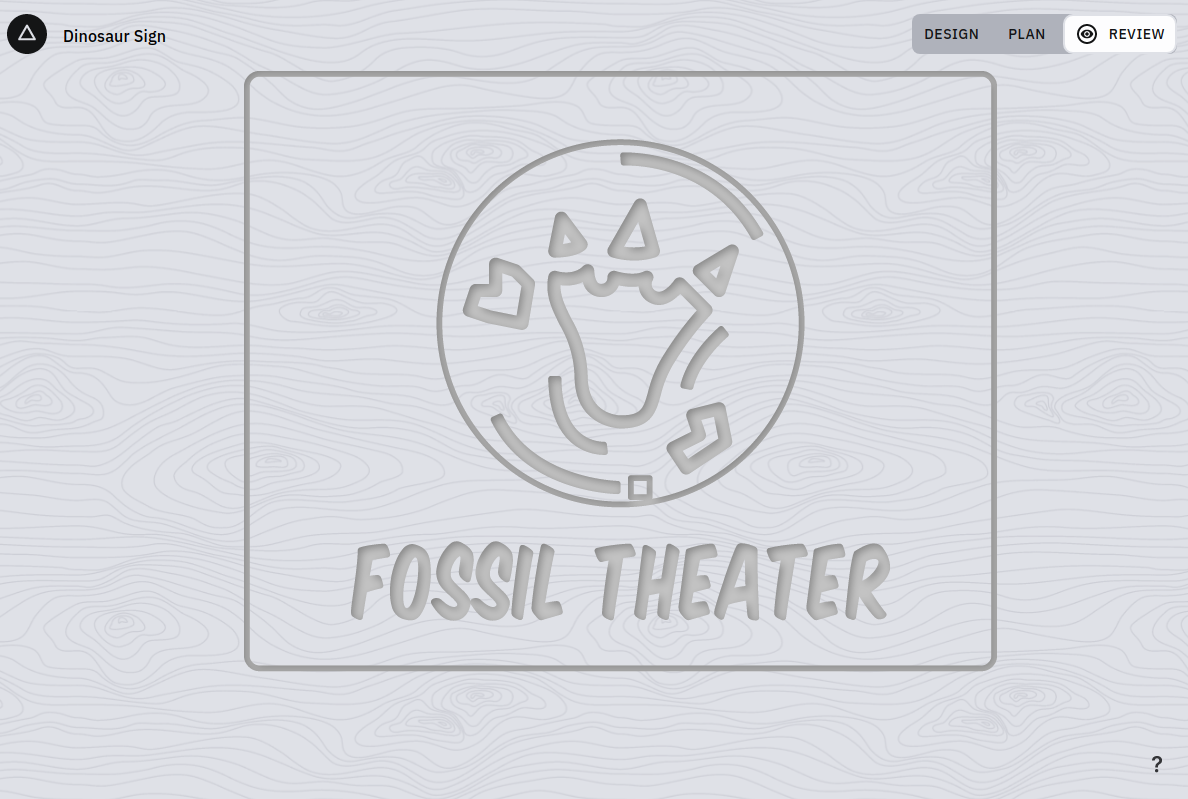
Shaper Studio is a browser-based vector design tool built for CNC craftspeople. It provides shape libraries and templates, layout and alignment tools, shape editing, text with custom fonts, and real-time collaborative project sharing — everything needed to go from idea to cut-ready file without leaving the browser.
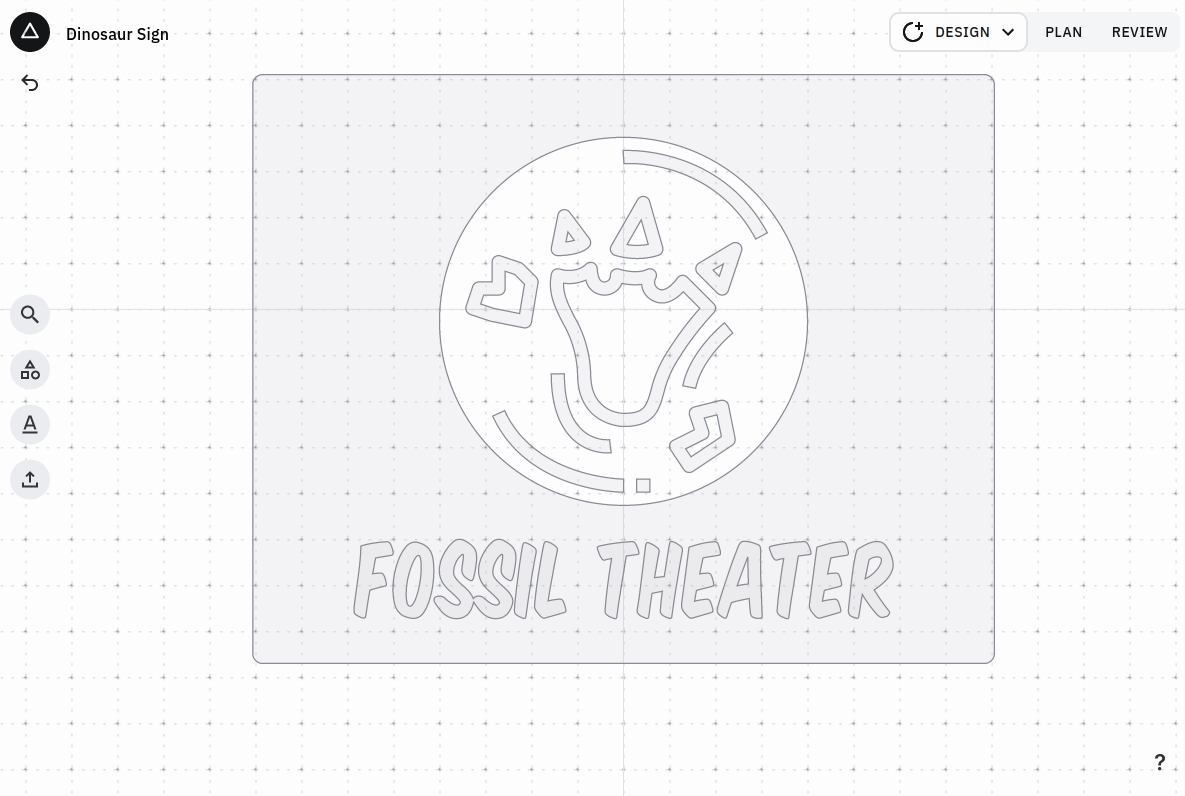
I built the core of Studio essentially solo over a two-year development cycle, from inception through launch — designing the application architecture, developing core features, and writing the algorithms for geometry processing, rendering, and real-time sync. A front-end contractor handled most UI components, and a senior engineer joined three months before launch to take over the project when I moved to lead Shaper Trace.
The collaboration system and undo/redo are built on the same foundation. Redux reducers are wrapped in a sync layer that uses Immer proxies to automatically generate forward and inverse JSON patches on every state change. Those patches feed both an undo/redo stack and a sync queue. A worker thread runs a state machine that exchanges patches with the server; if an update is rejected due to a sequence number conflict, the state machine flushes the queue, reverts to the last accepted state via undo patches, and applies the incoming server patches.
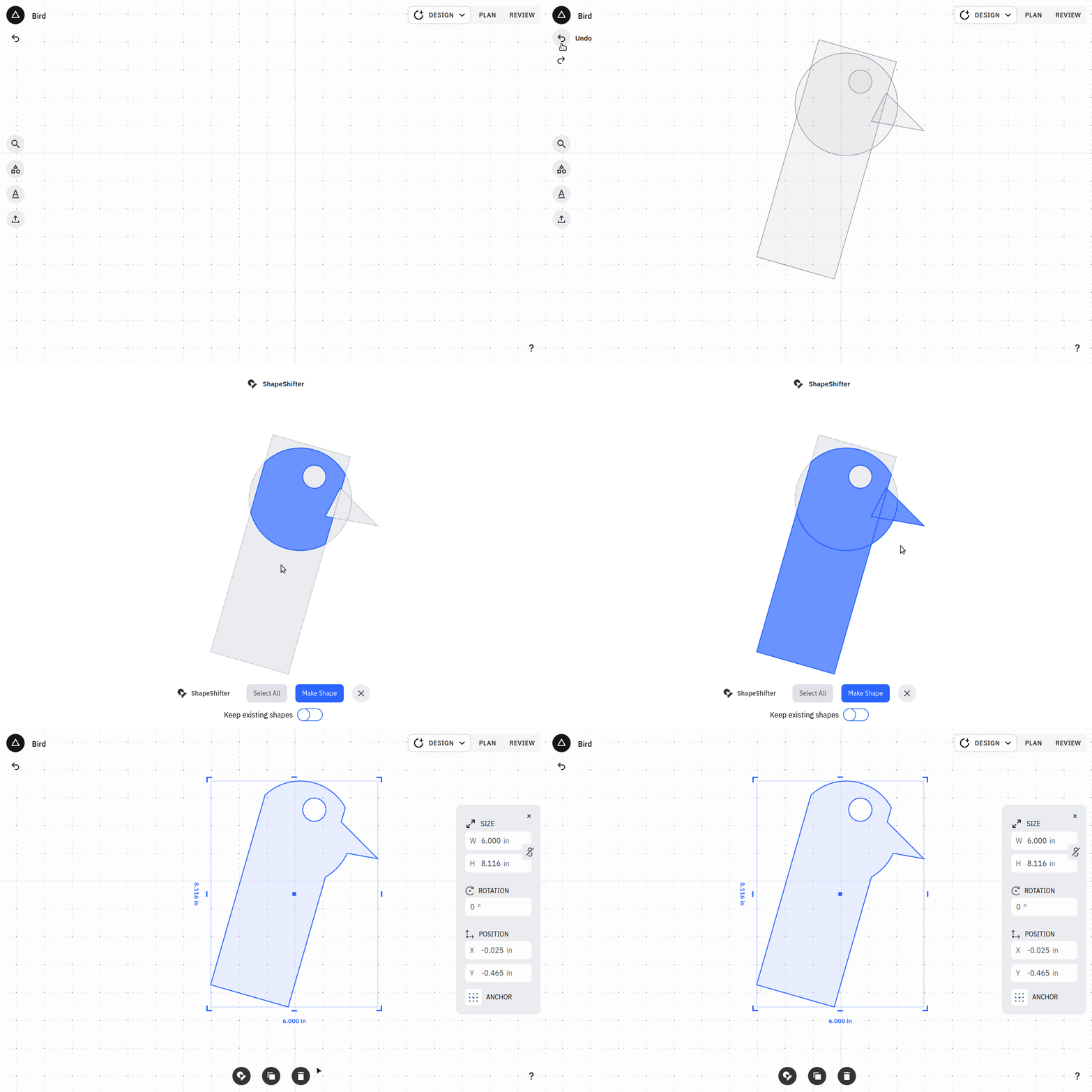
The Shapeshifter tool fragments overlapping geometry into non-overlapping regions — given shapes A and B, it computes A ∩ B and returns A − C, B − C, and C. The user selects which fragments to keep, and the tool greedily unions them. For large shape sets this is a combinatorial explosion, so I designed a recursive decomposition to eliminate redundant boolean operations. The underlying boolean ops use Clipper compiled to WebAssembly, with all geometry preloaded into WASM memory and operated on via handles from JavaScript to minimize the cost of crossing the JS/WASM boundary.
Rendering uses SVG. For interactive transforms — dragging handles to translate, scale, or rotate — an overlay transform is applied directly to SVG DOM elements via React refs, bypassing Redux entirely during the interaction. When the gesture completes, the final transform is baked into the base transform and committed to state.
For geometry processing, I forked the Rust crate resvg to parse SVG, apply styles, flatten transform hierarchies, and convert fonts to vector paths, outputting a simplified SVG subset (usvg). I extended the fork to handle web font preloading, single-line font files, and improved scaling. A JavaScript module then converts usvg output into internal geometry data structures.